Your first website,
just by chatting
No code. No drag-and-drop. No account setup. Send Adorie a message on WhatsApp or Telegram, answer two quick questions, get a live URL.
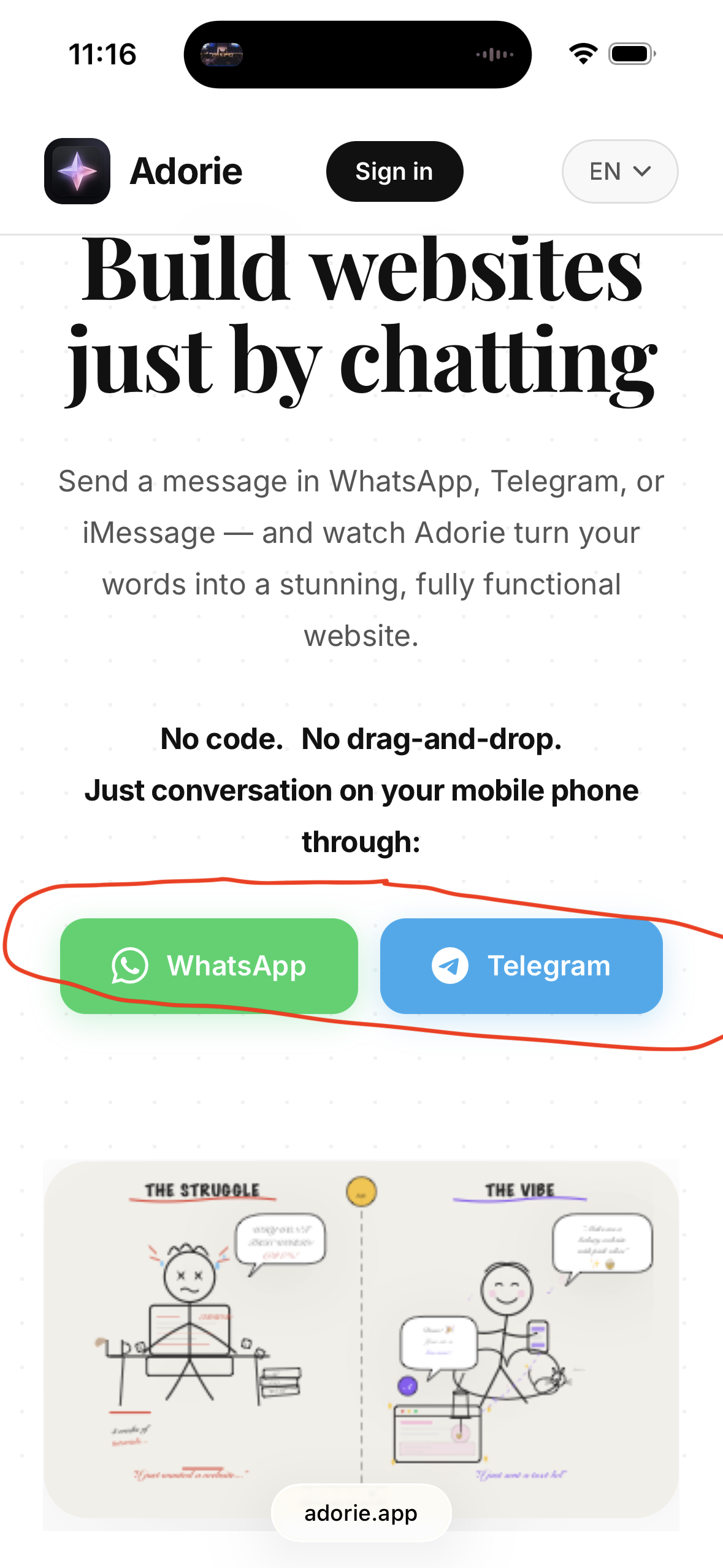
adorie.app on your phone. Tap the green WhatsApp button or the blue Telegram button to start a chat with the Adorie bot.Step-by-step
All four steps, in detail.
Open the chat
Visit adorie.app on your phone. Tap the green WhatsApp or blue Telegram button to start a conversation with the Adorie bot. (No signup, no app to install.)
Say what you want
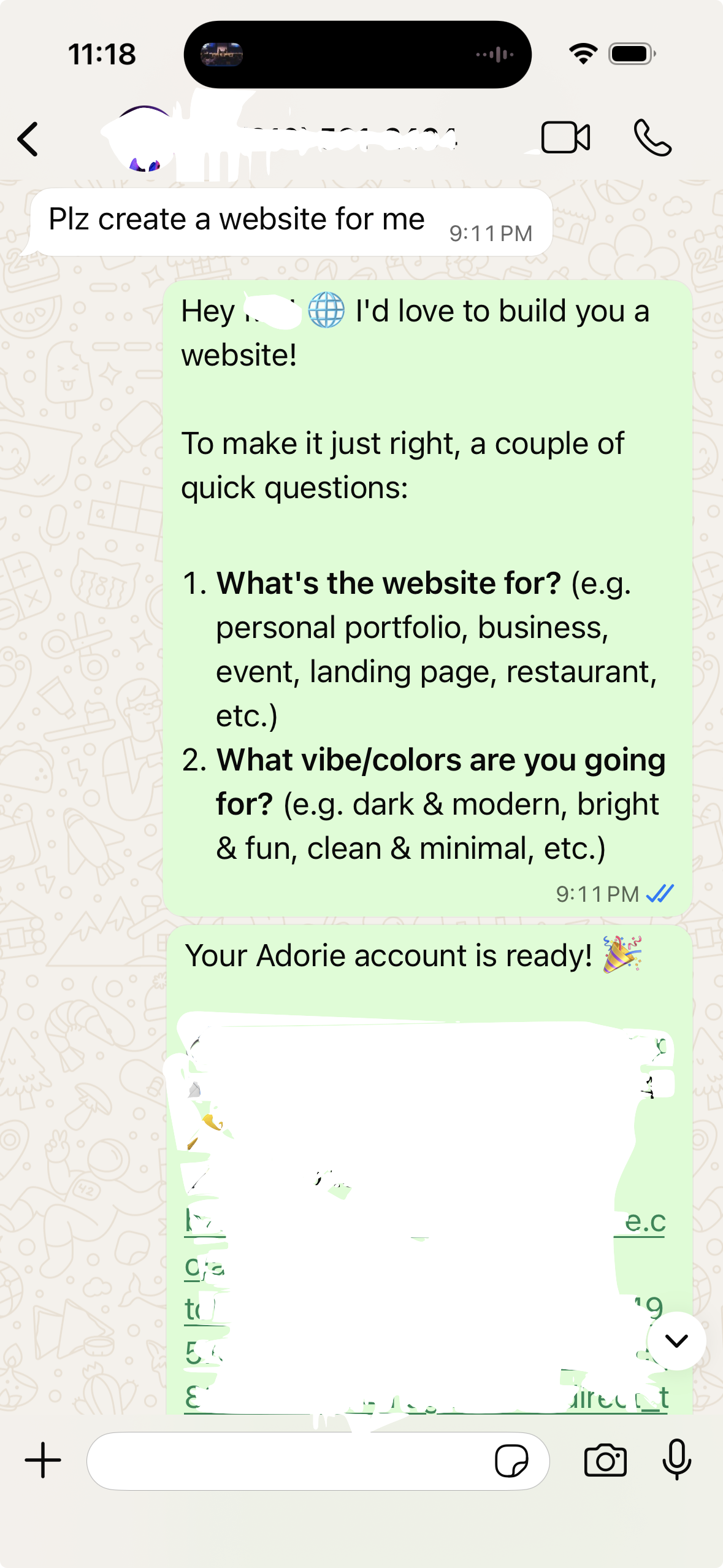
Send a message describing your idea — even one sentence is enough. Adorie replies with welcome confirmation and 1–2 clarifying questions about purpose and vibe.
"Plz create a website for me"Answer in plain English
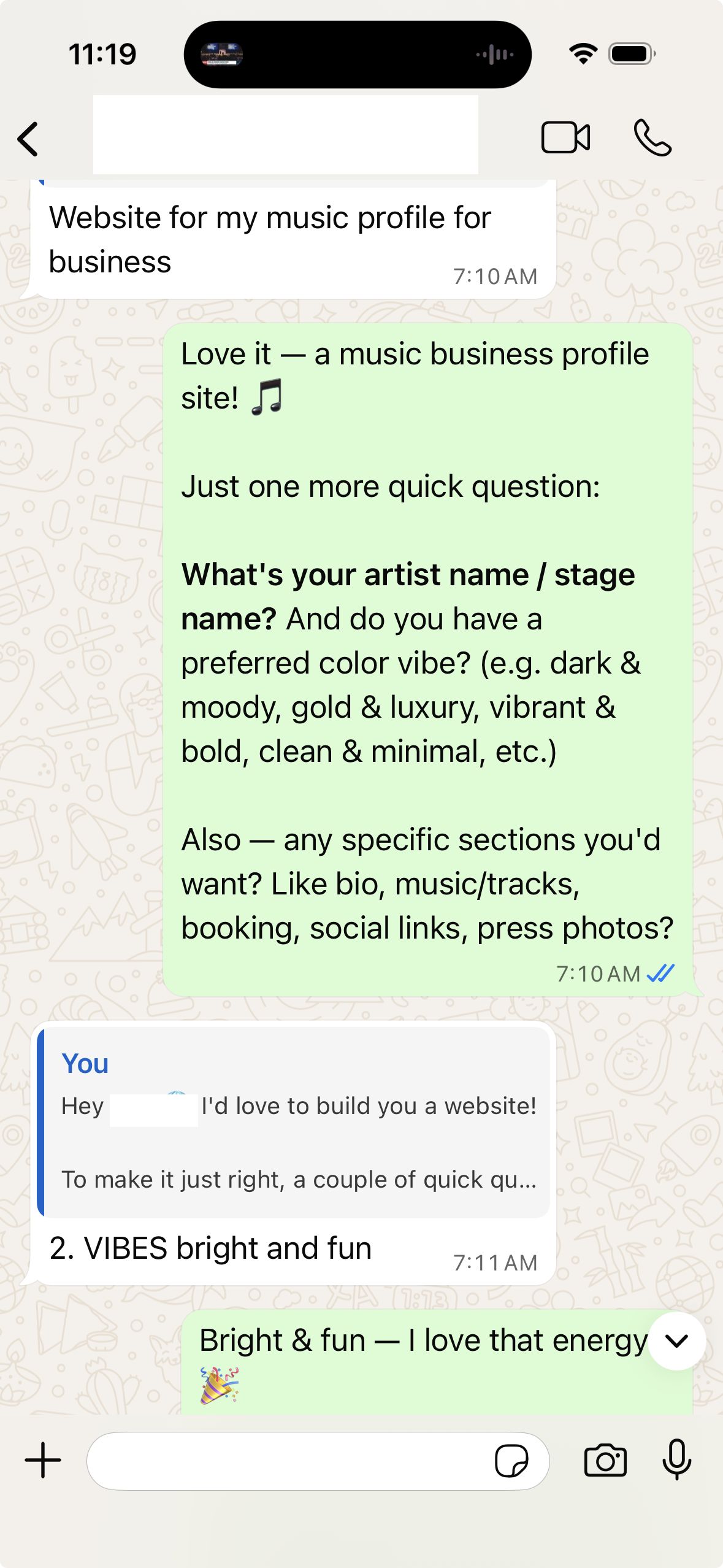
Tell Adorie what the site is for and the vibe you want. Mention any sections (bio, music, booking, social links, gallery, etc.). The more detail, the better the first draft.
"Website for my music profile for business"Get your live website
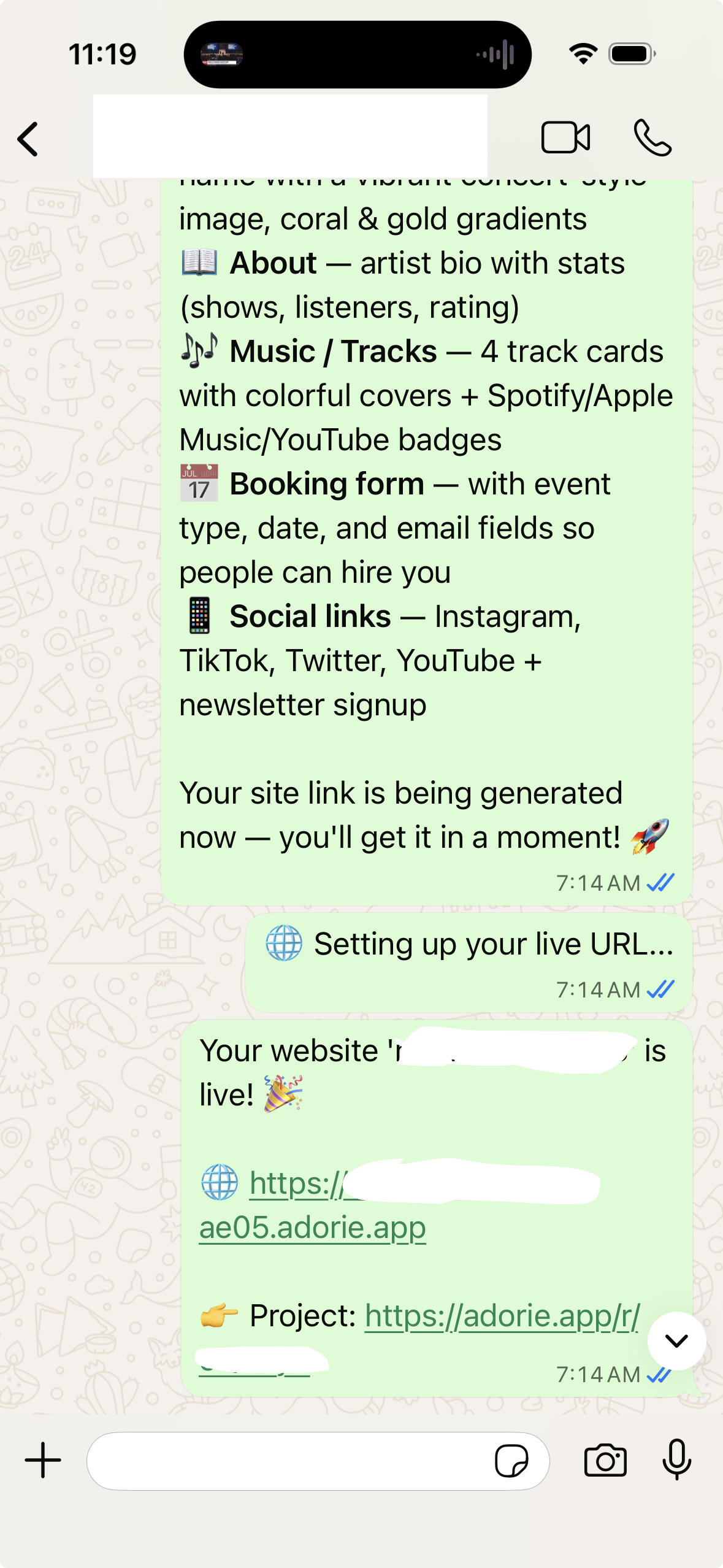
Adorie builds your full site in under a minute and sends back a live URL. Tap to view, share with anyone, or tap the project link to keep editing — all from the chat.
💡 Get a great first draft — what to put in your first message
Adorie can build with one sentence, but the first draft is dramatically better when your message includes these four things. Don't worry about getting it perfect — you can refine in chat afterwards.
Personal portfolio, restaurant menu, event landing page, freelance services, course signup, etc. The clearer the purpose, the more relevant the layout.
Examples: dark & modern, bright & fun, elegant & minimal, retro & playful, luxury gold & black. Don't say "nice" — say what kind of nice.
Bio, hero, contact form, image gallery, pricing, testimonials, booking, social links, FAQ, newsletter signup. List the ones that matter.
So Adorie can put it in the title and headers. If you don't have one yet, Adorie will use a placeholder you can swap later.
"Build me a one-page site for my coffee shop, Daybreak Roasters. Vibe: warm & cozy, cream + brown palette. Sections: hero with photo, our story, menu, contact + map. Phone (415) 555-0182."
What's next?
Once your site is live, you can keep editing right from the chat.
Keep editing by chat
Want to change colors, add a section, swap an image? Just send another message. Adorie regenerates the site and updates your live URL.
Connect your custom domain
Once the site looks right, point your own domain (like yourbrand.com) at it. Walk through the 4-tap flow with screenshots.
Take payments, collect emails
Ask Adorie for a Stripe button, contact form, or newsletter signup — it wires the backend automatically. No keys to copy, no servers to deploy.
Ready to start?
Pick your favorite chat app and send Adorie a message right now.